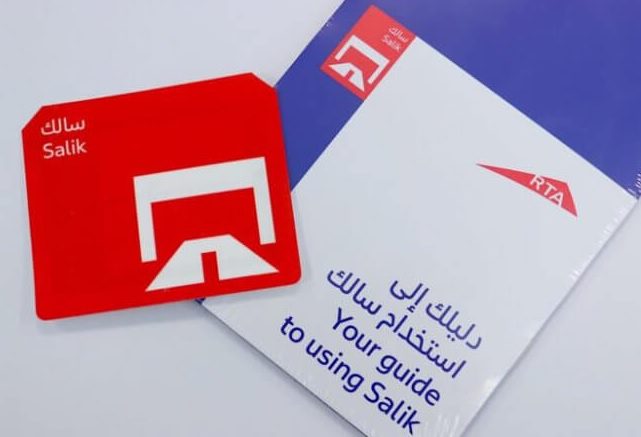
To activate your Salik tag in the UAE, Visit salik.rta.ae and log in or create an account. Enter your vehicle details and tag number to activate.
✅ Activation Methods
1. Online via Official Channels
Salik Website: Visit salik.rta.ae and log in or create an account. Enter your vehicle details and tag number to activate.
Smart Salik App: Download the official app, log in, and follow the prompts to activate your tag.
Dubai Drive App: Access Salik services, enter your details, and activate your tag.
Dubai Now App: Navigate to ‘Driving’ > ‘Salik’ > ‘Activate Salik Tag’, and complete the activation process.
2. Via Call Center
Call 800 SALIK (800 72545).
Follow the voice prompts to activate your tag.
Provide your tag number, vehicle registration details, and Emirates ID information.
3. At Customer Happiness Centres
Visit RTA centres in Umm Ramool or Deira.
Bring your vehicle registration card and Emirates ID.
A representative will assist you in activating your tag.
Also Read : How do I Activate my new FIT Mastercard
🛠️ Tag Installation
Clean the inside of your windshield.
Peel off the adhesive backing from the Salik tag.
Place the tag behind the rearview mirror, ensuring it’s at least 2 cm away from any metal.
Press firmly to secure the tag.
💰 Costs
Online Purchase: AED 120 (includes AED 50 for the tag, AED 50 prepaid toll balance, and AED 20 delivery fee).
In-Person Purchase: AED 100 (includes AED 50 for the tag and AED 50 prepaid toll balance).
⚠️ Important Notes
Ensure your Salik account is activated within 10 days of your first trip through a toll gate to avoid fines.
If your Salik tag is lost or damaged, deactivate it immediately by contacting 800 SALIK or visiting an RTA Customer Happiness Centre.
Recharge your Salik account regularly to avoid fines for insufficient balance.
For more detailed information, you can visit the official Salik website or contact the Salik call center at 800 72545.

Be the first to comment