To activate your Priority Pass, the process depends on whether you received it through a bank/credit card (like Amex or Chase) or purchased it directly.
1. Activation via Bank or Credit Card (Most Common)
If your membership is a perk of your credit card, you usually need to register on a specific landing page or through your bank’s portal first.
-
Step 1: Go to prioritypass.com/activation.
-
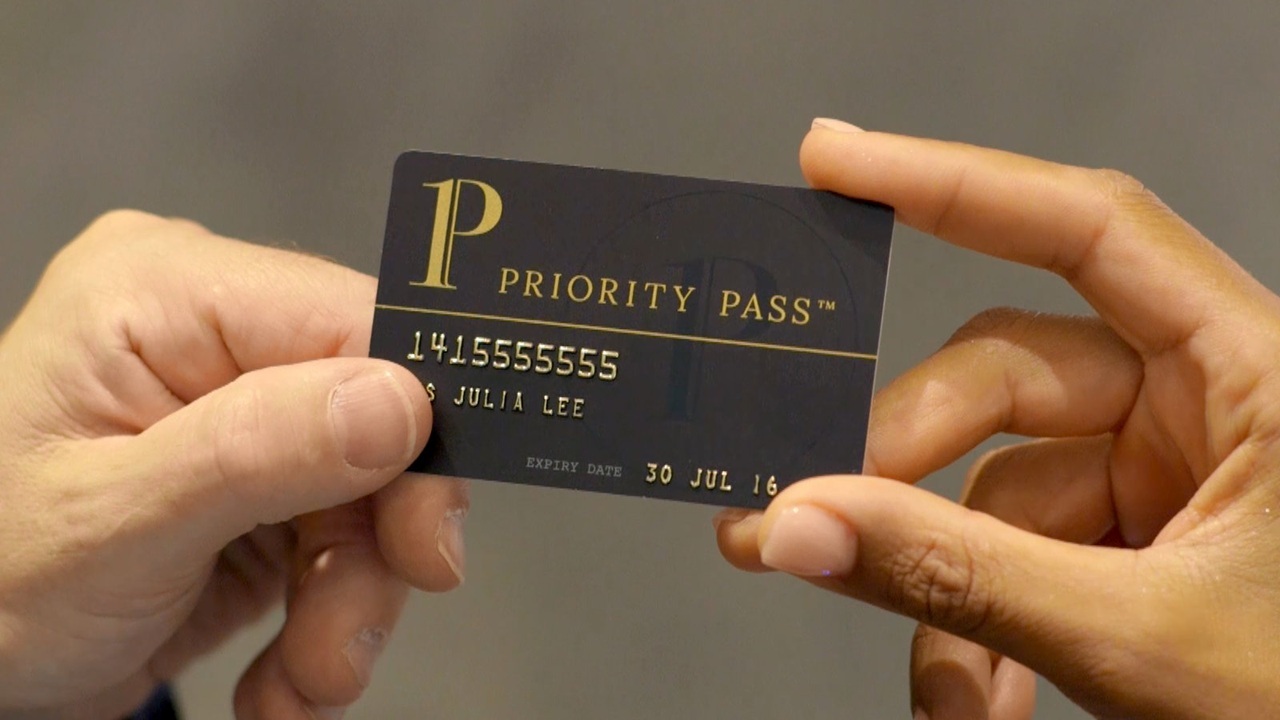
Step 2: Enter your Membership Number (found in your welcome email or on your physical card).
-
Step 3: Enter your Validation Code / Web PIN.
-
Note: If you don’t have this, check your bank’s mobile app under “Benefits” or “Travel.” Some banks (like Chase) have a dedicated link like
prioritypass.com/chase.
-
-
Step 4: Create your account username and password.
2. Activation via the Priority Pass App
This is often the “Easy Fix” if the website is giving you trouble:
-
Download the Priority Pass app (iOS or Android).
-
Tap “Activate Your Account” on the login screen.
-
Enter your membership details or, in some cases, you can scan your physical card using your phone’s camera.
-
Once activated, your Digital Membership Card will appear in the “Card” tab, which you can use for lounge entry immediately.
Also Read : 1-800-436-1007 | Who Called me from this Number
3. Common Bank-Specific Links
If you are using a specific card, try these direct portals:
-
American Express: Usually activated via the “Benefits” section of the Amex app/website.
-
Chase Sapphire: prioritypass.com/chase
-
Capital One: Activated through the Capital One app under “Benefits.”
Troubleshooting Tips
-
“Card Not Recognized”: Ensure you are entering the 16-digit Priority Pass number, not your credit card number (unless the page specifically asks for the payment card).
-
Validation Code: This is usually a 3 or 4-digit code provided in your physical welcome pack. If you lost it, you may need to contact Priority Pass support at
membership@prioritypass.com. -
Refresh Period: If you just opened your credit card today, it can take 3–5 business days for your data to sync with Priority Pass.

Be the first to comment