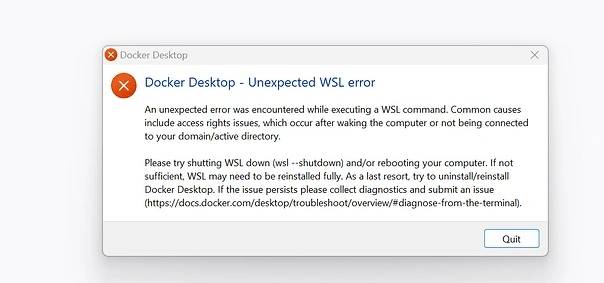
The error: permission denied while trying to connect to the Docker daemon socket at /var/run/docker.sock means that your user does not have the necessary permissions to interact with the Docker daemon.
This usually happens on Linux/Unix systems where Docker needs elevated privileges.
✅ Solutions to Fix the Error
🔧 1. Run Docker with sudo (Quick fix)
You can prepend sudo to your Docker commands:
This works, but you’ll need to use
sudoevery time unless you add your user to the Docker group (see below).
🔐 2. Add Your User to the docker Group (Recommended)
This allows your user to run Docker without sudo.
Then log out and log back in, or restart your system.
✅ After logging back in, try:
Also Read : yt.be/activate
🔁 3. Restart Docker Service
In case permissions are correct but the service is unresponsive:-
🧱 4. Check Docker Socket Permissions
Ensure the socket has correct permissions:
Expected output:
If the group is not docker, you may need to fix it:
❗️Still Not Working?
Try checking:
Whether Docker is installed correctly:
If the Docker daemon is running:

Be the first to comment