

https //jeevanpramaan.gov.in Login Portal : Generate Digital Life Certificate for Pensioners
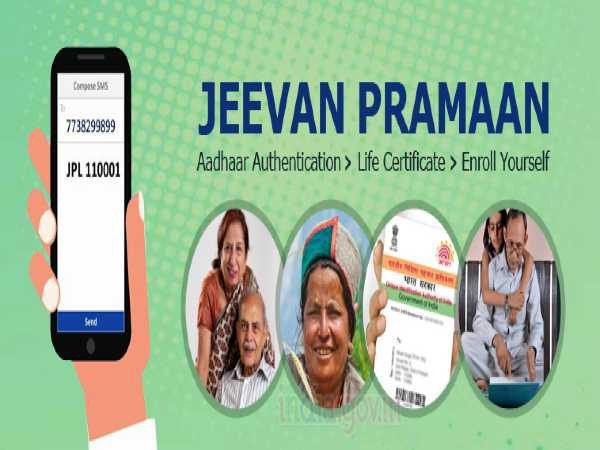
You can search nearest CSC by login onto ‘Locate a Centre’ on https://jeevanpramaan.gov.in portal or alternately you can send SMS to 7738299899.
Jeevan Pramaan is a biometric enabled digital service for pensioners. Pensioners of Central Government, State Government or any other Government organization can take benefit of this facility.
How to Download JeevanPramaan application for windows ?
1. To download the jeevanpramaan application click on ‘Download’ tab on https://jeevanpramaan.gov.in
2. Provide email-id, captcha and click on ‘I agree to Download’
3. You will receive OTP on your email-id – enter the OTP
4. On entering correct OTP the download page appears – click on ‘Download For Windows OS’
5. you will receive download link on your e-mail-id – link can be clicked only once after that it expires – Click on it.
6. A .zip file containing the Jeevanpramaan application will get downloaded – unzip the .zip file, – after unzipping follow instructions provided in ‘client installation document’.
https //nas.education.gov.in : CBSE To Conduct National Achievement Survey
How to download JeevanPramaan Mobile App ?
1. To download the jeevanpramaan application click on ‘Download’ tab on https://jeevanpramaan.gov.in
2. Provide email-id, captcha and click on ‘I agree to Download’.
3. You will receive OTP on your email-id – enter the otp.
4. On entering correct OTP the download page appears – click on ‘Mobile App download’ ‘
5. You will receive download link on your e-mail-id – link can be clicked only once after that it expires – Click on it – application ( apk file ) will get downloaded.
How is this different from traditional Life Certificate issued by Govt Officers/ Agencies?
Who is eligible for Jeevan Pramaan i.e Digital Life Certificate ?
What is required, if I want to generate DLC on my PC/Laptop/Mobile
1. A STQC certified Biometric Device is required.
2. ‘RD Service’ of the Biometric Device being used should be installed on the PC/Laptop/mobile.
3. The ‘JeevanPramaan Application’ has to be installed on your PC/mobile. It can be downloaded from the ‘Download’ tab from https://jeevanpramaan.gov.in portal.
4. An Internet Connection is required.
BHU Entrance Exam Result 2021 Namewise@ https //bhuet.nta.nic.in : Download Score, Marks Card


Comments are closed