How To Send NFT to Another Wallet
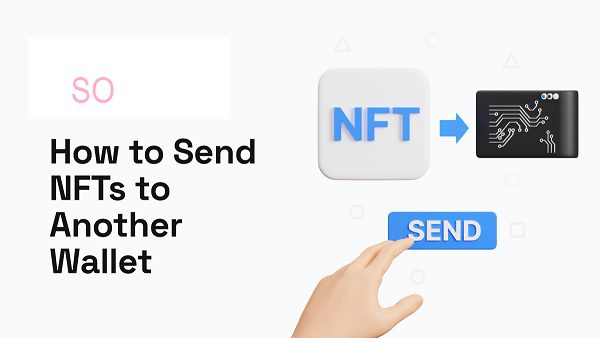
To send an NFT to another wallet, you generally need to follow these steps:
Access your NFTs: Open the wallet or platform where your NFTs are stored. This could be a dedicated NFT marketplace like OpenSea, a general cryptocurrency wallet like MetaMask, or a wallet specific to a particular blockchain.
Select the NFT to transfer: Locate the NFT you want to send within your collection. Most platforms will have an “NFTs” or “Collectibles” section where you can view your owned NFTs.
Initiate the transfer: Look for a “Send,” “Transfer,” or similar button associated with the NFT you selected. Clicking this will start the transfer process.
Enter recipient’s address: You’ll be prompted to enter the recipient’s wallet address. This is a unique string of characters that identifies their wallet on the blockchain. Double-check the address for accuracy, as sending to the wrong address can result in permanent loss of the NFT.
Confirm and pay fees: Review the transaction details, including any associated network fees (also known as “gas fees”). These fees are paid to the blockchain network to process the transfer. Confirm the transaction and pay the required fees.
Wait for confirmation: The transfer will need to be confirmed on the blockchain. This can take anywhere from a few seconds to several minutes, depending on network congestion and the specific blockchain being used.
Also Read : samsat.info/cek Pajak Kendaraan
Important considerations:
• Network compatibility: Ensure that both your wallet and the recipient’s wallet are compatible with the blockchain on which the NFT resides.
• Sufficient funds: You’ll need enough of the blockchain’s native cryptocurrency to cover the network fees.
• Security: Always be cautious when entering wallet addresses and interacting with smart contracts. Double-check everything to avoid scams or phishing attempts.
Remember: The exact steps may vary slightly depending on the specific platform or wallet you’re using. Consult the platform’s documentation or support resources for detailed instructions if needed.
