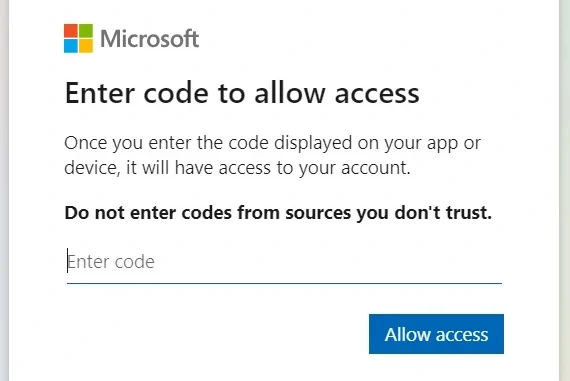
How to Link Your Microsoft Account? If you’re trying to connect a device or service to your Microsoft account, here’s how you generally link your Microsoft account using a link code and the microsoft.com/link page.
1. Get the Link Code:
- From your device: You’ll usually find this code on the device you’re trying to connect (e.g., a new Xbox, a Windows PC during setup, or a smart TV app).
- From the service: Some online services might provide a link code in their instructions when you try to connect them to your Microsoft account.
2. Go to microsoft.com/link:
- Open a web browser on your computer or phone.
- Go to microsoft.com/link.
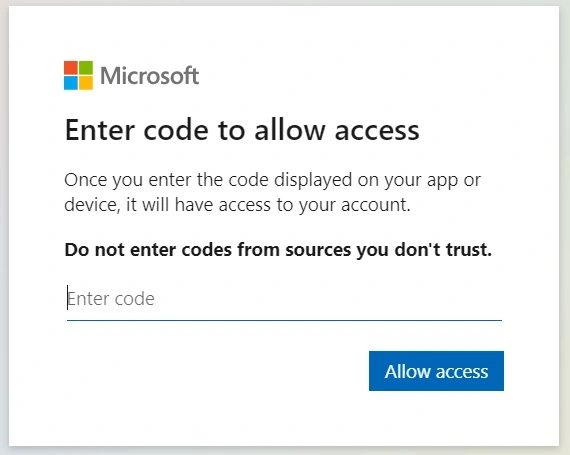
3. Enter the Link Code:
- Type in the code exactly as it appears on your device or in the service’s instructions.
- Link codes are case-sensitive, so double-check for accuracy.
4. Sign in to Your Microsoft Account:
- If you’re not already signed in, you’ll be asked to enter your Microsoft account email address and password.
5. Grant Permissions (if needed):
- You might be asked to allow the device or service to access certain information from your Microsoft account (e.g., your profile, contacts, or calendar). Review these permissions carefully before proceeding.
6. Confirmation:
- Once the linking process is complete, you should see a confirmation message on the screen.
Also Read : Sam’s Club Credit Card Payment
Common Scenarios for Linking
- Setting up a new device: This includes devices like Xbox consoles, Windows PCs, and sometimes smart TVs or other devices with Microsoft services.
- Connecting online services: You might need to link your account to access Microsoft services within third-party apps or websites.
- Using the “Continue on PC” feature: This lets you share web pages between your phone and Windows PC.
Troubleshooting Tips
- Double-check the code: Make sure you’ve entered the link code correctly, as it’s case-sensitive and any errors will prevent linking.
- Refresh the page: If you encounter errors, try refreshing the microsoft.com/link page in your browser.
- Clear cache and cookies: Sometimes, clearing your browser’s cache and cookies can resolve issues with the linking process.
- Try a different browser or device: If you’re still having trouble, try using a different web browser or a different device to access microsoft.com/link.
- Contact Microsoft support: If you’ve exhausted all other troubleshooting steps, you can reach out to Microsoft support for assistance.
